If you are an operator of trade or business (T:mi), an agricultural/forestry operator, select Manage your tax matters in MyTax. When you start with Manage your tax matters, you can access all your tax affairs. Read more: New in MyTax
How to file a household’s report on construction work in MyTax
You need to submit a report on construction work with regard to all work that requires a building permit. There is no minimum euro threshold for reporting.
You can submit several reports as the construction work progresses and as you pay to those who work on your site. However, as a minimum, you must submit a report on construction work before the final inspection is conducted.
If you are in the role of a builder together with someone else, it is enough if you just give one report.
Go to MyTax and log in if you are not logged in yet (a new window appears)
-
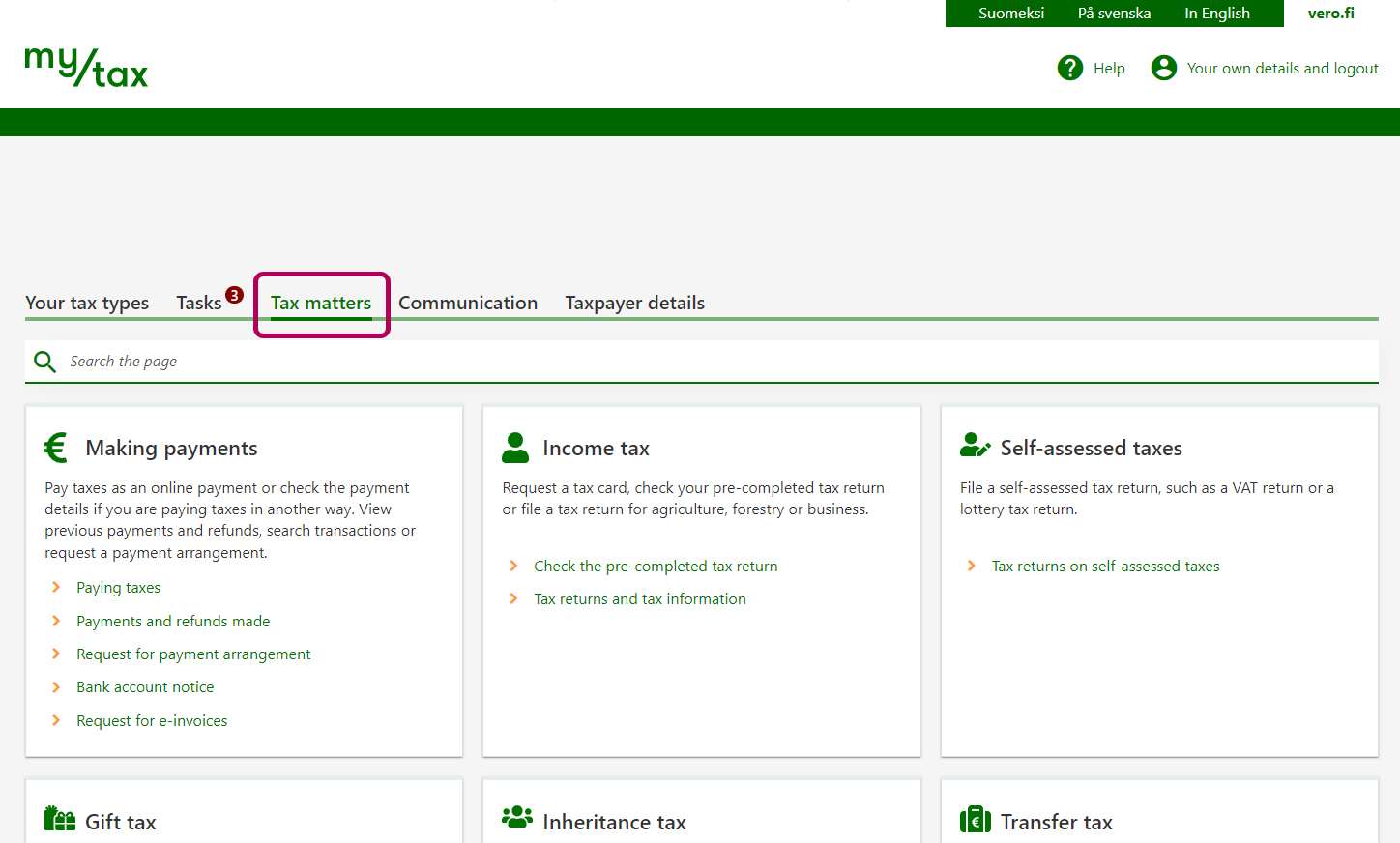
Select the Tax matters tab.
-
Go to Other returns and select File household’s report on construction work.
-
The report has 3 stages. You can see them in the breadcrumb trail below your name.
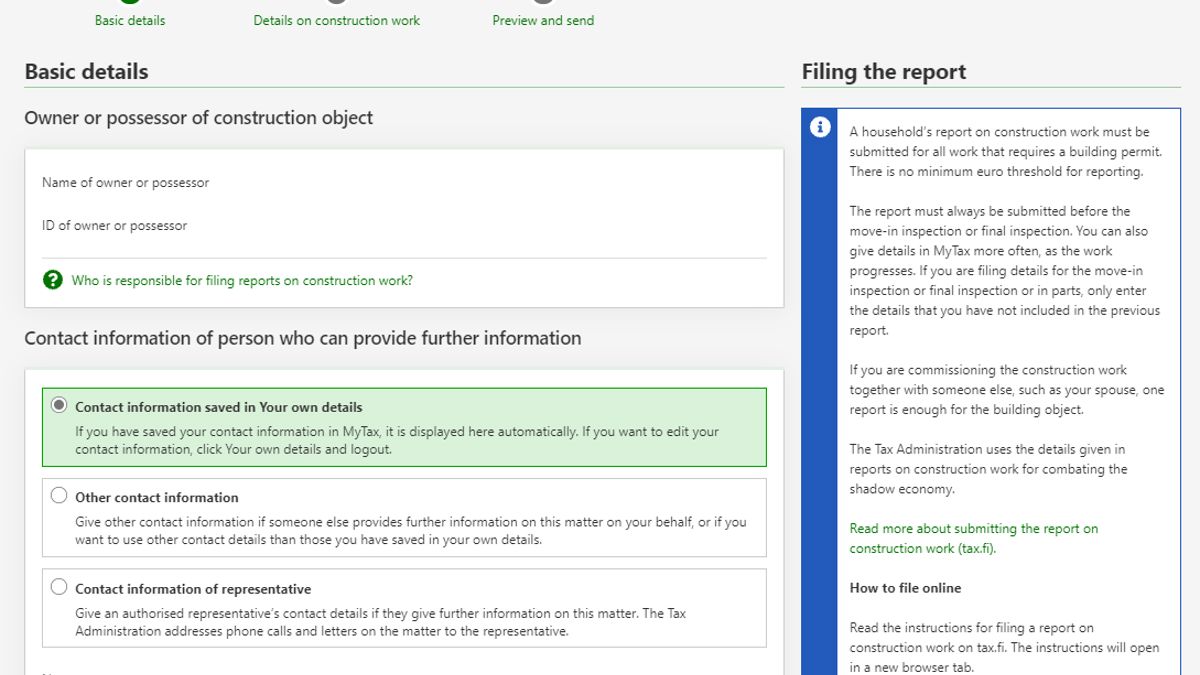
The Basic details stage:
- Change your contact information, if necessary.
- Select whether the construction is for a unit of real estate or for a housing company or real-estate holding company.
After you have made the selection, fill in more details on the real estate unit or company, such as the property identifier and location.
-
The Details on construction work stage:
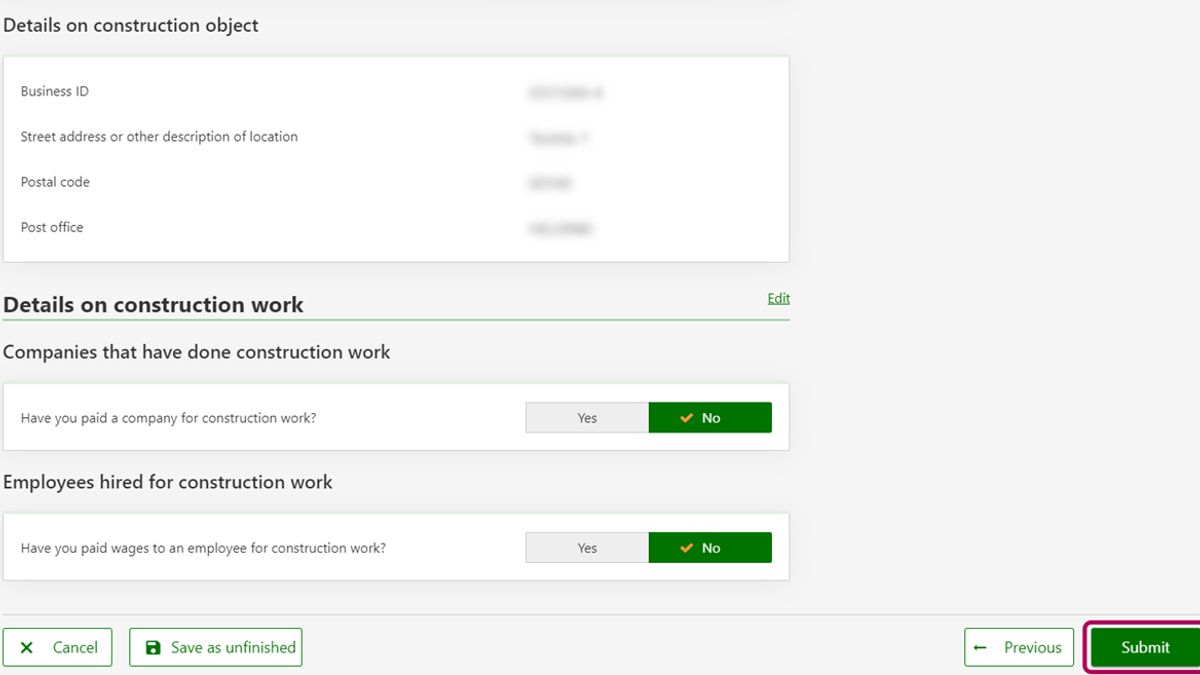
- If you have done all the work yourself or if work was done by community labour, i.e. you have not paid for the construction work on your site, answer No to the questions.
- If you answer Yes to either question, you will need to answer some further questions.
For example, if you have paid a company for the work, enter the company’s Business ID or other identifier. Then, enter the length of the contract and the amount of money you paid.
If you paid for construction work to several companies, select Add company as many times as you need to provide all the information one by one.
-
The Preview and send stage:
- First, make sure all your entries are correct. Click Edit or Previous to make any corrections.
- You can select Save as unfinished if you want to come back later to complete the report. Your entries in the unfinished report are kept saved for 3 months. The Tax Administration will not process the data before you have submitted it.
- Once all the details are correct, click Submit. You get an acknowledgement of receipt.