If you are an operator of trade or business (T:mi), an agricultural/forestry operator, select Manage your tax matters in MyTax. When you start with Manage your tax matters, you can access all your tax affairs. Read more: New in MyTax
How to request entry in the Tax Administration’s registers in MyTax
-
Go to the MyTax Taxpayer details tab, and select Change register information. Alternatively, click on the Tax matters tab on MyTax home page, select Registrations and authorisations — Changes to VAT register, prepayment register and register of employers.
Please note that your company or organisation must have a Business ID before you can change the register information.
-
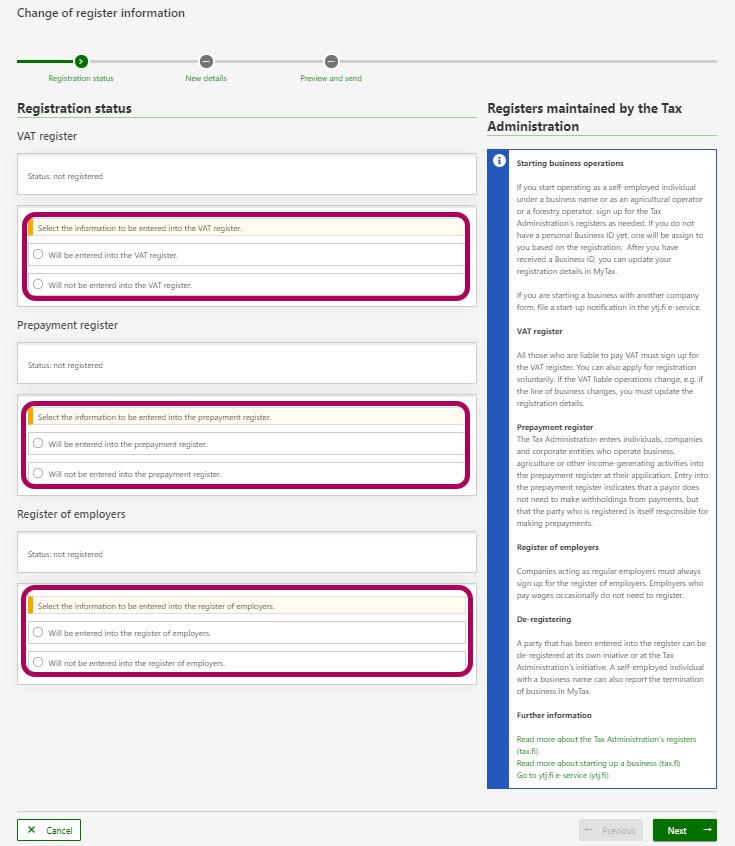
Select the registers where you request entry. Indicate each one of the registers you want to enter. Click Next at the bottom to go to next page.
-
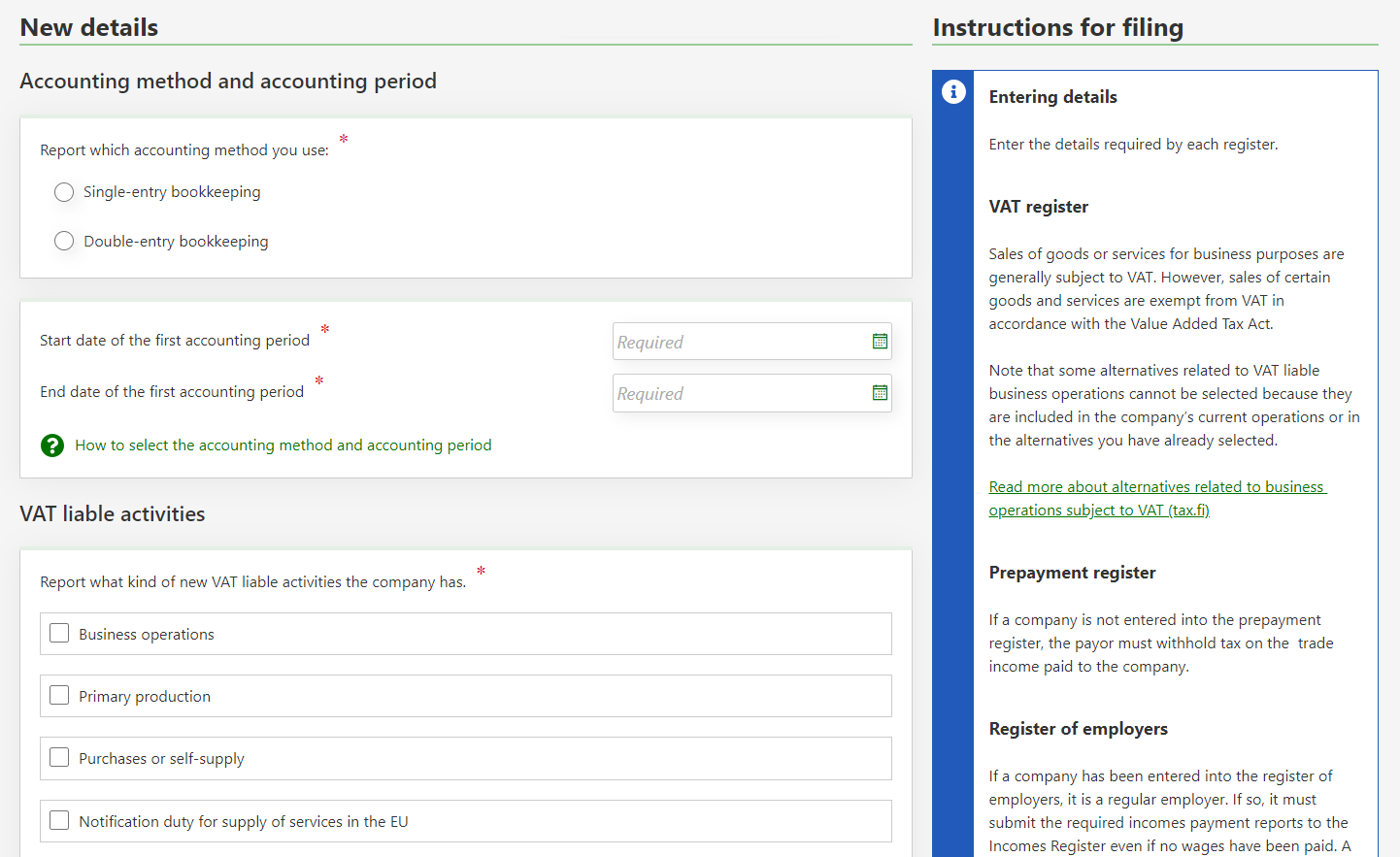
Fill in the detailed information regarding the changes. For entry into the VAT register or for requesting changes to your registration, make a selection under VAT liable activities to indicate the VAT liable activity your company has. For more information on the options available, see:
-
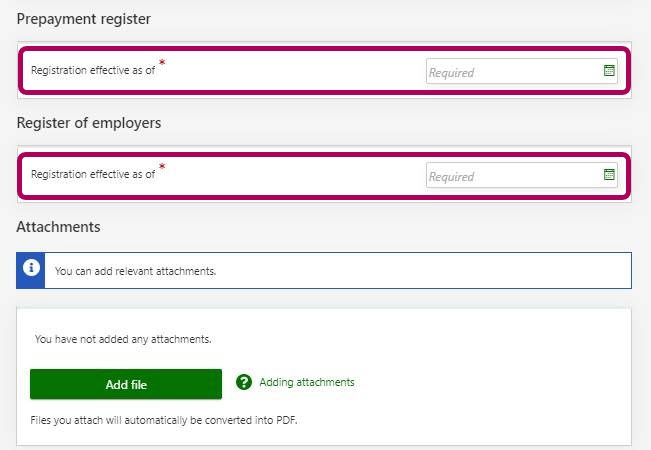
Add the required enclosures as well.
-
You will see a summary on the following page and you can still edit your entries as necessary. When you have checked everything you can submit the form.