
If you are an operator of trade or business (T:mi), an agricultural/forestry operator, select Manage your tax matters in MyTax. When you start with Manage your tax matters, you can access all your tax affairs. Read more: New in MyTax
You can add companies and tax types to your favourites in MyTax
Use Favourites for easy access to matters and tasks that you manage frequently in MyTax.
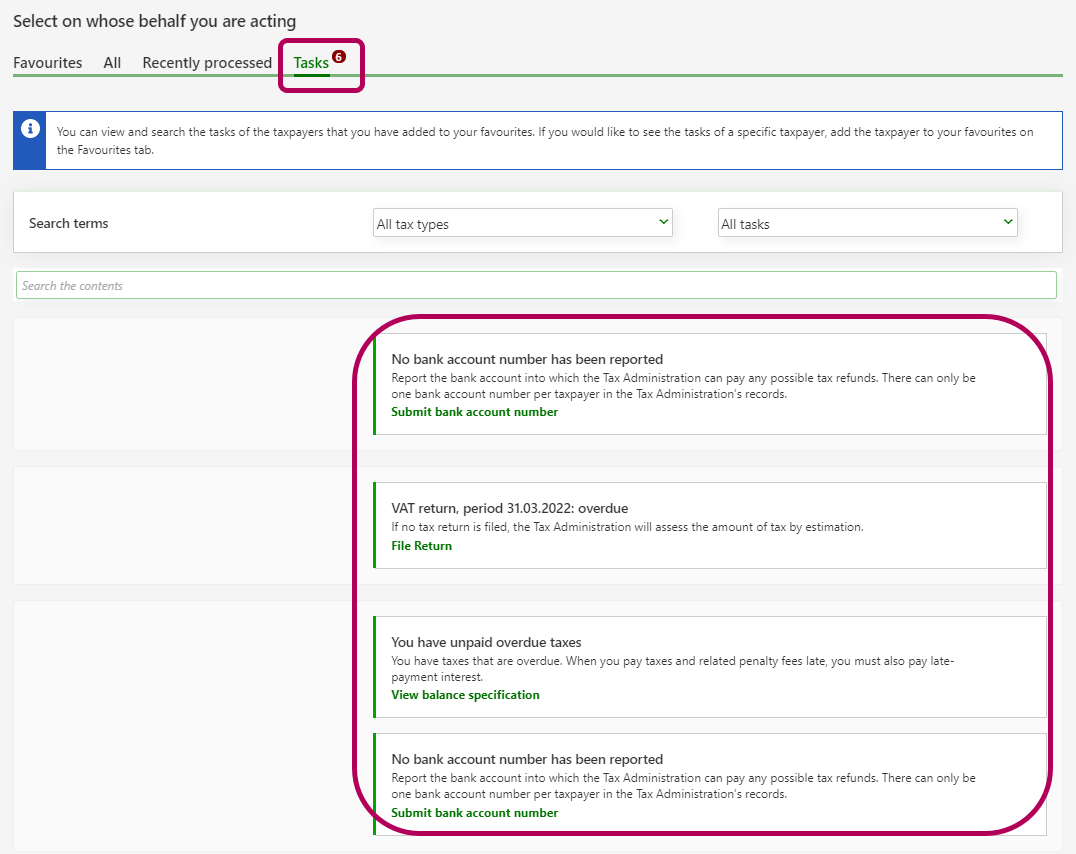
Once you have added companies to your favourites, you can see a list of all the open tasks of your favourites on the Tasks tab. If you click the task “You have unpaid overdue taxes”, for example, you can move on to the company’s balance specification.
Go to MyTax and log in (opens in a new window)
Accounting firm: How to add a company to your favourites
-
When you log in to MyTax, select Act on behalf of a company.
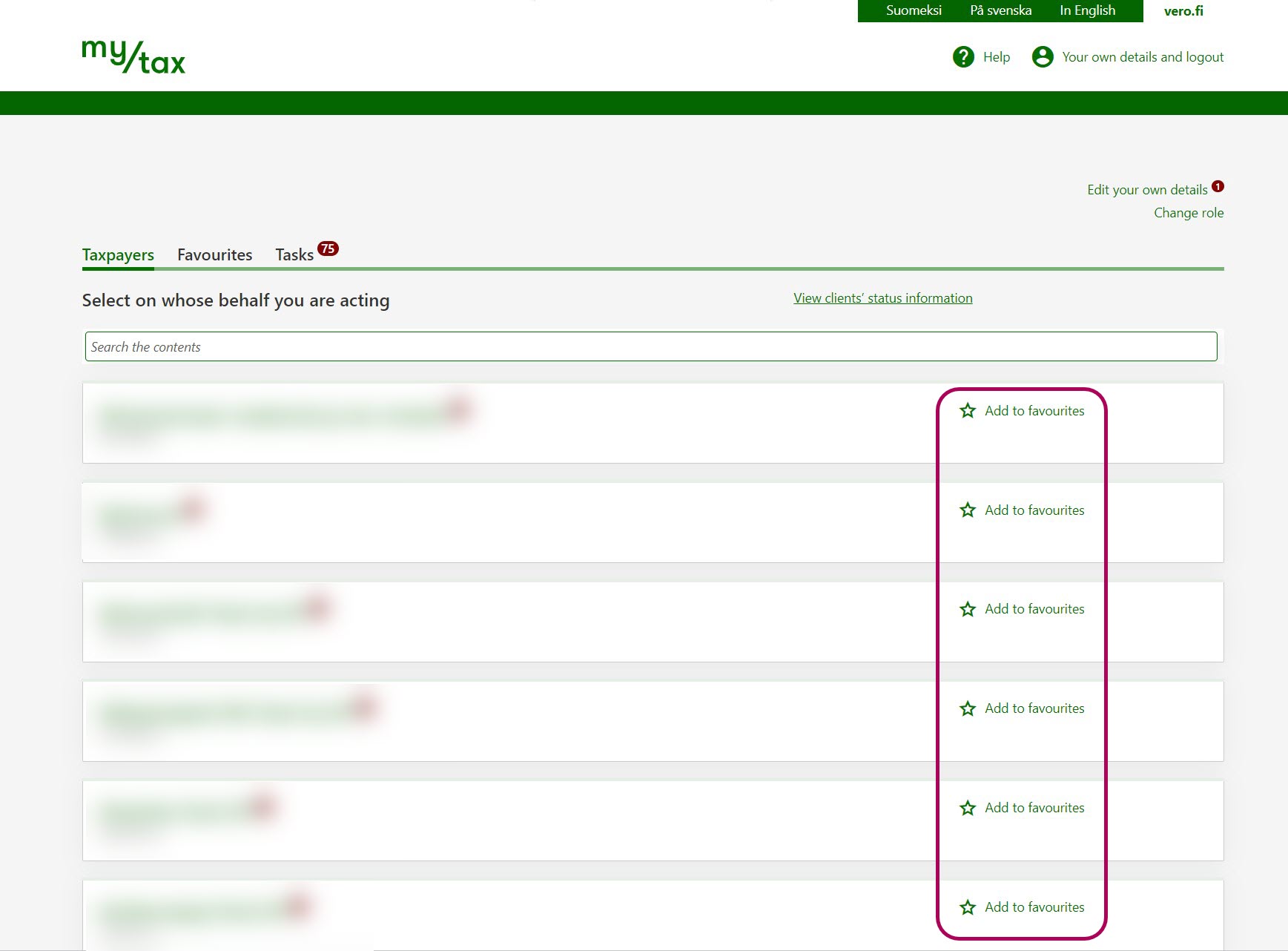
On the Taxpayers tab, you can see all the companies on behalf of which you can act.
If you have more than 300 customers: You can add favourites on the Taxpayers tab by clicking Open the complete list of taxpayers.
Click the star icon next to those companies that you want to mark as your favourites. You can add up to 300 favourites.
In future, you will find the companies you have selected on the Favourites tab.
-
The Tasks tab shows you
- the open tasks of all your clients if you have 1–300 clients
- the open tasks of your favourites if you have more than 300 clients.
How to add a tax type to your favourites
-
When Your tax types tab has 5 or more different tax types, the Favourites tab will also appear. If you want to add tax types to your favourites, go to the Favourites tab.
-
Click Edit favourites.
-
Click the star icon next to those tax types that you wish to mark as your favourites.
In future, you can access the tax types you have selected by clicking the Favourites tab.